Your Shop.
Fully Connected.
From the first booking to the final invoice — AutoGnome Pro connects your schedule, job board, digital inspections, workflow automation, and customer records in one place.
Every Booking Starts Here.
Whether a customer books online through the AutoGnome Discover app or calls the front desk, both paths feed the same engine. Vehicle details arrive automatically. No double entry. No scheduling gaps.
Online Booking
Customer books via AutoGnome Discover — vehicle info arrives automatically
Phone Call
Front desk creates the appointment — same Capacity Engine finds the slot
The Best Slot. Automatically.
The Capacity Engine reads real-time bay availability, tool and equipment availability, active workload, and each technician's certifications — then assigns the job to the single best open window. Zero manual scheduling. Zero guesswork.
Thursday · Pacific Auto
Live ScheduleOptimal slot locked · Sarah is muscle-car certified
Their Car. Your Screen.
When a customer arrives, their AutoGnome account links automatically. Every mod, every prior service, every note from their Build Book is on your screen before the keys are handed over. You know the car before you touch it.
Check-In — Alex M.
AutoGnome account linked
Pulled from AutoGnome Garage
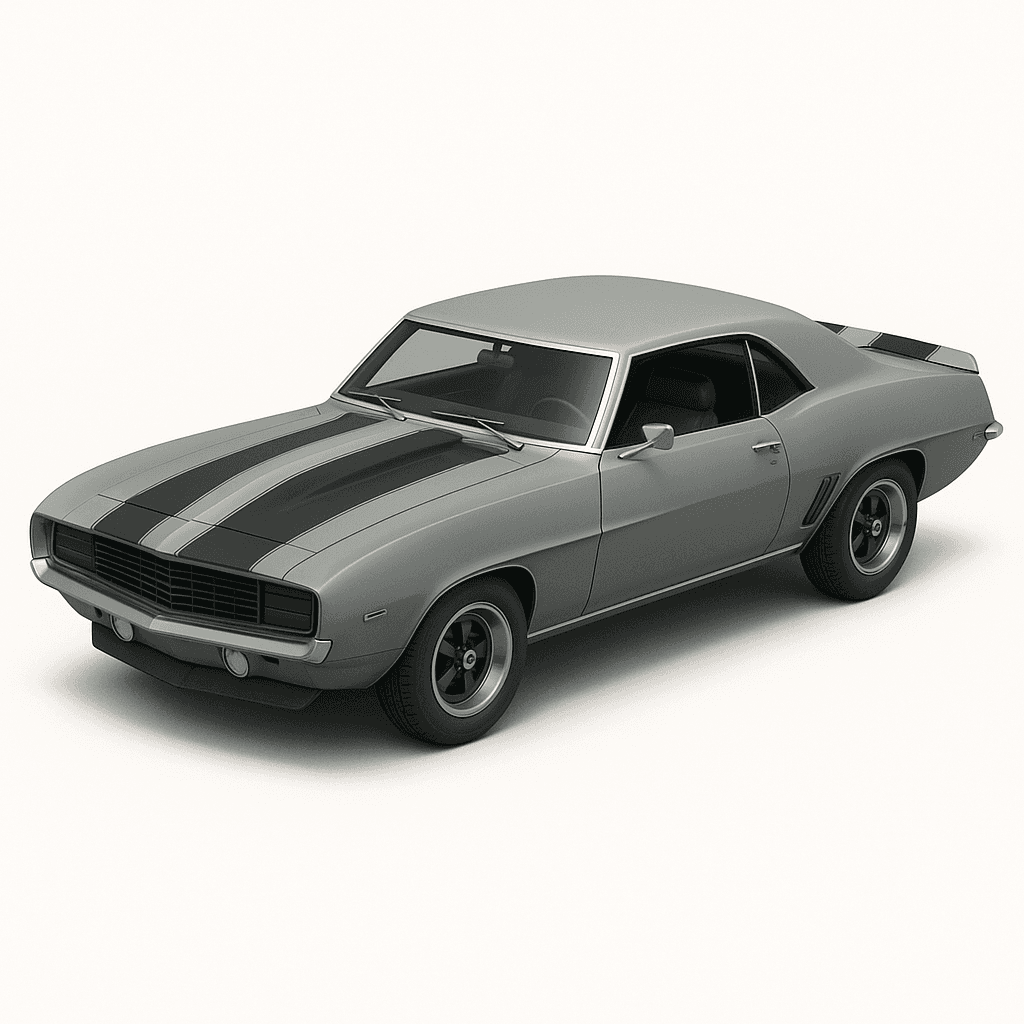
1969 Chevrolet Camaro RS/SS
Mileage In
47,231
Fuel Level
The Car's Life at a Glance.
Every job lives on the board from intake to close — kanban or list, your choice. Drag a card to advance its stage and the workflow engine fires automatically: parts orders, customer alerts, technician notifications. All triggered by the move.
Job Board
Thursday · 5 activeIntake
2
F-150
Mike R.
Civic
Dana L.
In Progress
1
Camaro
Alex M.
Awaiting Parts
1
Tacoma
James W.
Ready
1
Model 3
Sara K.
Drag to advance stage · Workflow fires on every move
Trend Lines for Every Item.
Technicians build a complete multi-point inspection with condition ratings and photos. Customers see the same report in real time. Every item builds a trend line across visits — so deterioration is visible at a glance, for both your team and the customer.
Digital Inspection
Item
Status
Health
Trend
Brake Pads — Front
criticalEngine Air Filter
fairTire Tread — Rear
goodTrend lines span last 5 visits · shared with customer in real time
Automated. From First Touch to Close.
Define what happens when a job changes stage. Status updates, part orders, customer SMS, technician alerts — all triggered without lifting a finger. Build the workflow once. Run it on every job, forever.
Workflow Engine
3 active workflowsVisual canvas editor
Triggers
Actions
Active rule
In Progress → SMS + Parts
Your Brand. Every Message.
Design the emails your workflows send. Start from built-in templates — DVI reports, job updates, invoice-ready notices, and customer communications — and brand them to your shop with the enterprise drag-and-drop editor. Inspection data populates automatically. One click sends.
Email Studio
Enterprise drag-and-drop editor · Fully branded
One-click send · Triggered by workflow or manual
Close the Job in Seconds.
Generate an itemized invoice from your labor guide and live parts inventory. Send a secure payment link via text or email. The customer pays from their phone — before they even walk in to pick up the car.
Invoice #2847
1969 Camaro RS/SS · Alex M.
Customer pays from their phone · Stripe-powered
Every Job Builds Their History.
The moment a job closes, the DVI, invoice, and full service record sync automatically to the customer's AutoGnome garage. Their Build Book grows with every visit — a permanent, portable history that travels with the car forever.
Camaro · Build Book
Brake Pad Replacement — Front
Carb Rebuild + Tune
Mar 3, 2026 · 44,100 mi
Oil Change — Conventional 10W30
Nov 8, 2025 · 41,800 mi
Ready to run
a smarter shop?
First month free. Then $200/month — includes your AutoGnome Discover listing, so customers can find and book you directly.
No spam. Just early access.
In the meantime, explore the AutoGnome Discover app
Explore AutoGnome Discover